

GP Solutions logo

eBroker: Property Management

eBroker is a comprehensive real estate transaction management system that connects buyers, sellers and agents on a single digital platform.

Property Management

Property Management

    eBroker is a comprehensive real estate transaction management system that connects buyers, sellers and agents on a single digital platform.

    The system offers an intuitive search that makes it easy to find suitable properties. Users can customize their search criteria, view photos and videos, and submit requests for their favorite options.

    eBroker also simplifies application management, interaction with legal services and banks, ensures secure document exchange and automatic notification of transaction participants about its status.

    The platform offers real estate market analytics, a loyalty program for agents, and multilingual support. eBroker is tailored to various regional markets and is available on both the website and mobile app.
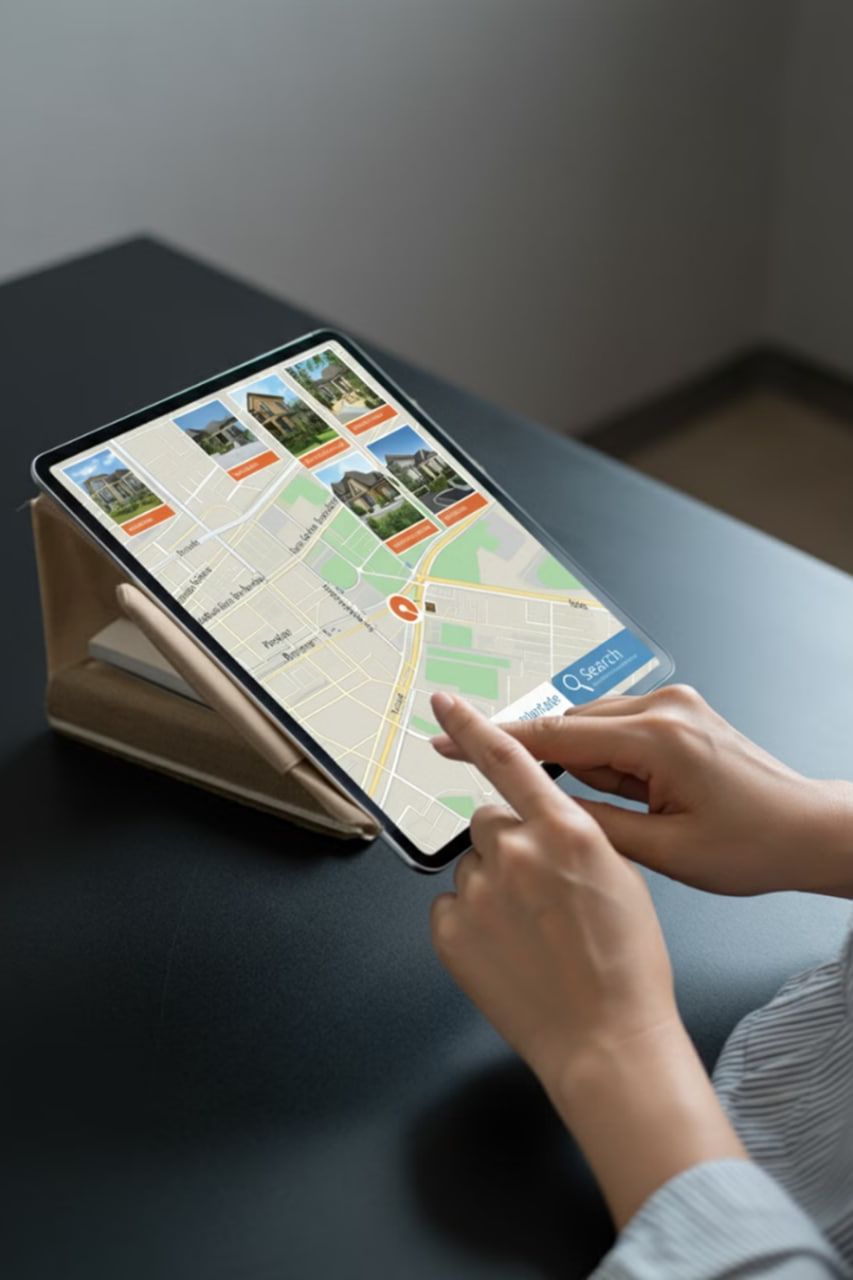

Interactive Property Search

Interactive Property Search

  • Location

    Please enter your city and region to narrow your search.

  • Price

    Select your desired price range to find suitable options.

  • Parameters

    Specify your search criteria by area and type of property (apartment, house, commercial property).

Apartment search example

  • Select city

    The user selects Tashkent as the search location.

  • Setting the price

    The user sets the desired price range for the apartment.

  • Number of rooms

    The user selects the required number of rooms in the apartment.

Application Management

Application Management

  • Personal account

    Manage your requests through your personal account.

  • Application statuses

    Track the current status of applications in real time.

  • Interaction

    Communicate with sellers and buyers through the system.

Application management example

Application management example

  • Create an application

    The user submits an application to rent an apartment.

  • Processing

    The seller receives a notification and reviews the application.

  • Tracking

    Both parties can track the status of the application.

Integration with legal systems

  • Document automation

    The system automatically generates the necessary legal documents for real estate transactions.

  • Contract templates

    Ready-made templates are available for various types of real estate transactions.

  • Legal support

    The system is integrated with legislative databases to ensure that documents are up-to-date.

How to Create a Lease Agreement

How to Create a Lease Agreement

  • The landlord approves the application

    The landlord accepts an application to rent an apartment.

  • The system automatically creates a contract

    The system automatically creates a lease agreement.

  • Both parties sign the contract

    Both parties sign the agreement electronically.

Integration with banks

Integration with banks

  • Mortgage

    Submit mortgage applications directly on the platform.

  • Credits

    Managing real estate loans in the system.

  • Calculations

    Автоматизация финансов при сделках с недвижимостью.

Sample Mortgage Application

Sample Mortgage Application

  • Choosing a bank

    The user selects a partner bank in the eBroker system.

  • Filling out the form

    Entering the required information into the mortgage application form.

  • Sending and waiting

    The application is sent to the bank for consideration.

Managing access rights

  • Role model

    Different levels of access for agents, buyers and sellers, ensuring security and privacy.

  • Setting up rights

    The ability to flexibly configure rights for each user, providing access only to the necessary information.

  • Safety

    Protect confidential property and client information by providing a secure access control system.

Access control example

  • Selecting an object

    The agent selects a property to show to the client.

  • Setting up rights

    Setting restrictions on access to real estate information.

  • Granting access

    The client gets access to view the selected object.

Benefits of Schedule Management

  • Work-life balance

    Drivers can flexibly plan their work according to their personal needs.

  • Resource optimization

    The company effectively distributes the load on the vehicle fleet, ensuring optimal use of vehicles.

  • Demand forecasting

    Data analysis allows the company to plan the number of vehicles depending on the time of day to meet demand.

Automatic notifications

  • New objects

    Notifications when properties matching your criteria become available.

  • Price changes

    Notifications about changes in the price of objects of interest.

  • Application status

    Informing about changes in the status of submitted applications.

Example of notification settings

  • Select area

    The user selects a city district.

  • Setting parameters

    Setting up search parameters (price, area).

  • Activation

    Activate notifications about new objects.

Real Estate Market Reports

  • Average prices

    Shows the average cost of real estate by area and type of housing.

  • Time of sale

    Statistics on the average time it takes to sell properties.

  • Number of transactions

    Data on the number of transactions concluded over a specified period.

Example of using reports

Example of using reports

  • Market Analysis

    Agents study price reports in the area.

  • Price determination

    Based on the data, the market value of the apartment is established.

  • Putting up for sale

    The object is placed in the system at a competitive price.

GP Solutions